

Feature
Team Management & Branding
Invite team members to a workspace, share document templates, manage application roles, and configure company branding.
Centralised control
Keep team documents in a workspace rather than relying only on personal email threads. Access remains subject to current membership and application roles.
- Role-based access: Assign administrator or standard user roles.
- Shared templates: Give workspace members access to a common template library.
- Business branding: Add your company logo to the signing interface and email invitations.
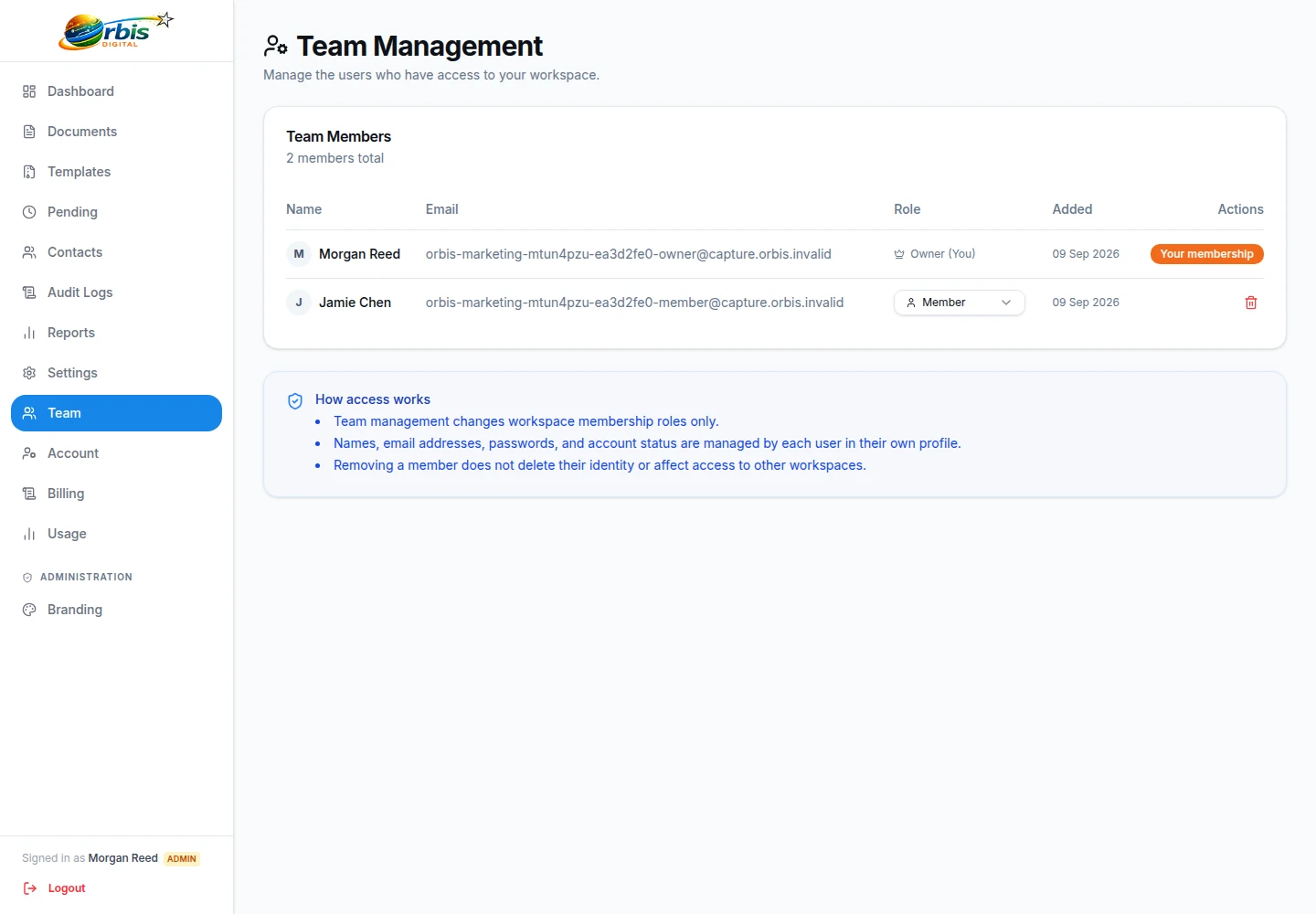
Review access as responsibilities change
Begin with the smallest workspace membership needed for the process. Administrators can manage broader workspace settings and users, while standard roles support day-to-day work. Assigning a role helps restrict application actions; it does not replace your organisation's joiner, mover, and leaver controls or guarantee that every member should see every uploaded document.
Nominate an owner to review pending invitations, remove people who leave or change duties, and check administrative access periodically. Shared templates also need a content owner so obsolete terms or field layouts are not repeatedly sent. For sensitive HR, client, or property documents, decide whether the workspace is an appropriate place before upload.
Keep branding administration with an accountable role and preview changes before recipient communications use them. Explore the separate business branding controls, or review security questions for wider due diligence beyond application permissions.