
From draft to done.
A guided process for preparing a supported PDF, sending invitations, and following signing progress.
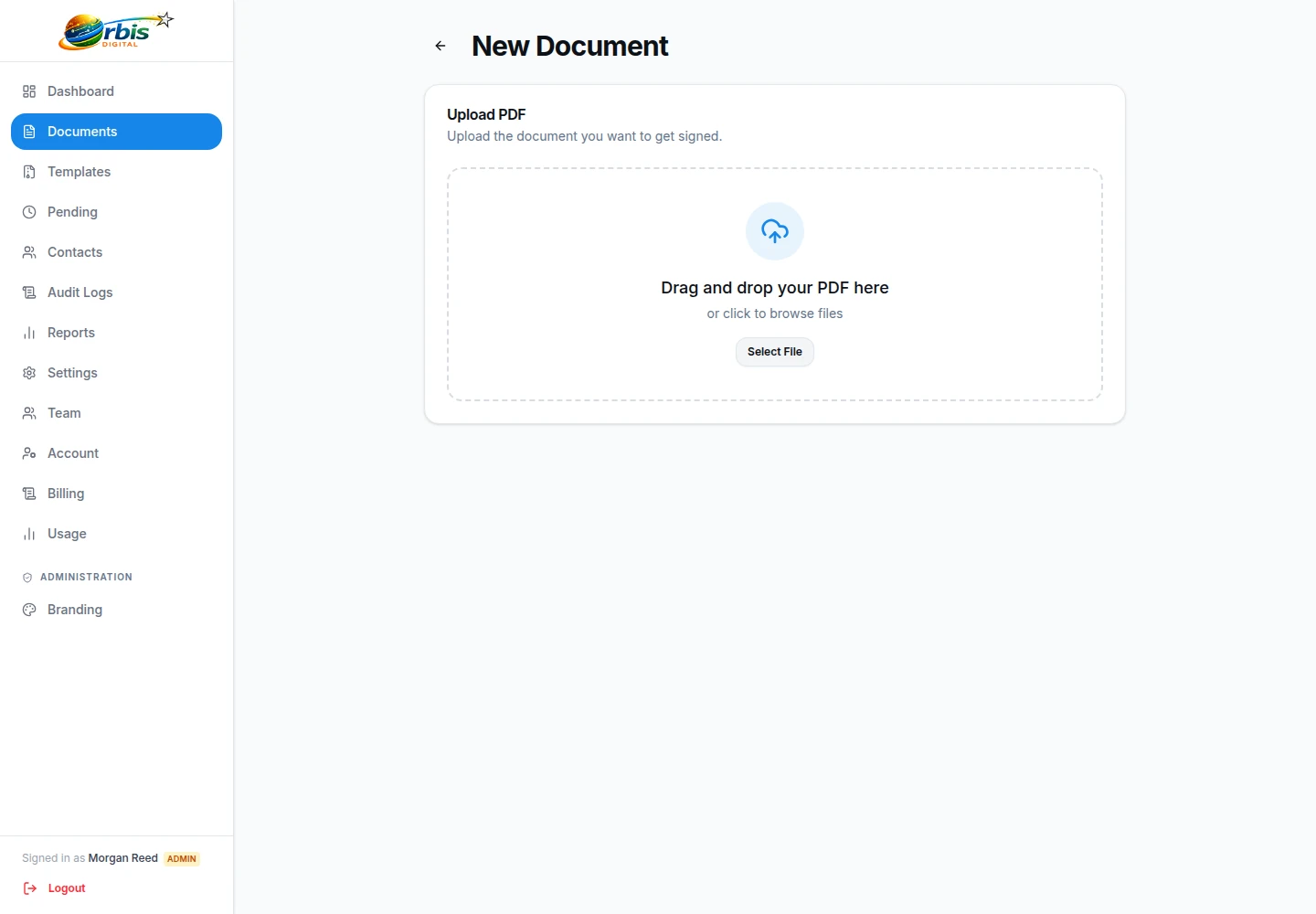
Step 1
Upload your document
Start by uploading a supported PDF to your workspace, or choose an existing template.
Step 2
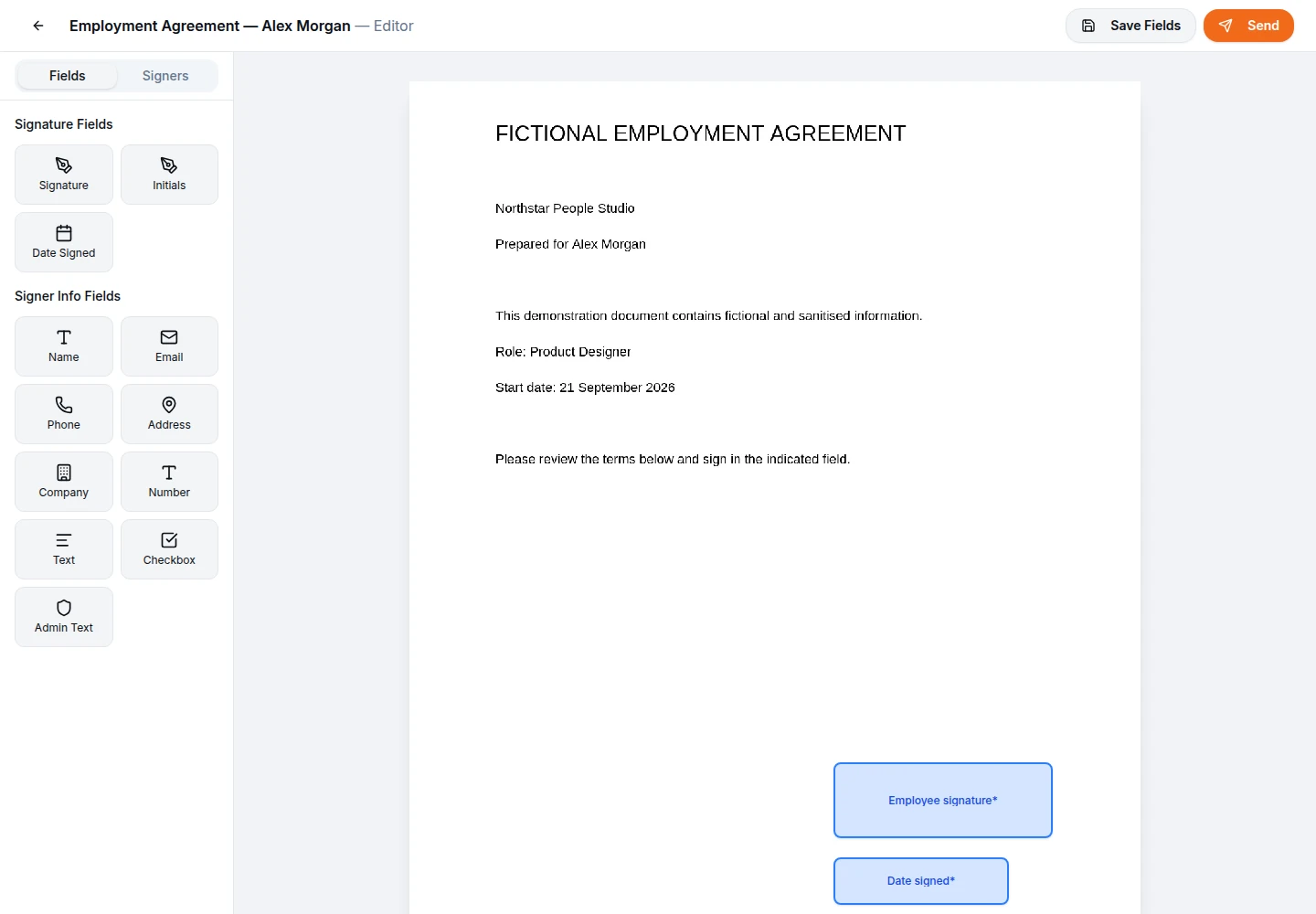
Prepare the fields
Use the visual editor to drag and drop signature blocks, date fields, and custom text inputs directly onto the document pages.
Step 3
Send to recipients
Enter the contact details for your recipients. The system can send each person a unique signing link.

Step 4
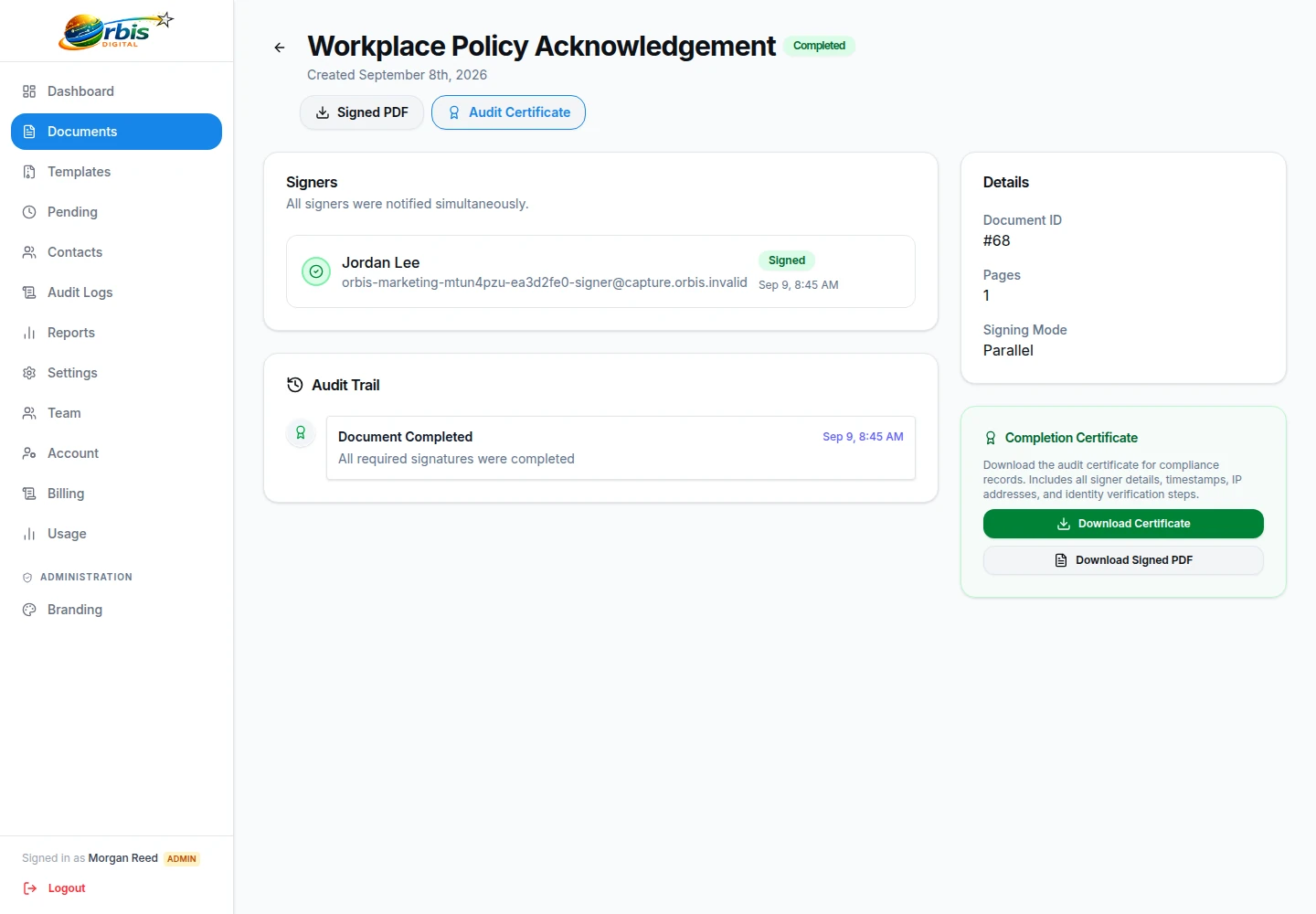
Track and complete
Monitor status from your dashboard. After completion, the completed PDF and a separate activity record are available, with delivery depending on the configured workflow.
- Time-stamped signatures
- Selected workflow and evidence events