

Feature
Reusable Templates
Turn frequently used contracts, NDAs, and forms into reusable templates with saved fields and recipient roles.
Prepare repeat documents consistently
A template saves the underlying PDF and all your carefully placed signature and text fields. When you need to send it again, just select the template, type in the new recipient's email address, and hit send.
- Reusable placement: Start from the fields saved with the template.
- Reviewable setup: Check saved required fields before each send.
- Workspace sharing: Make templates available to members of the relevant workspace.
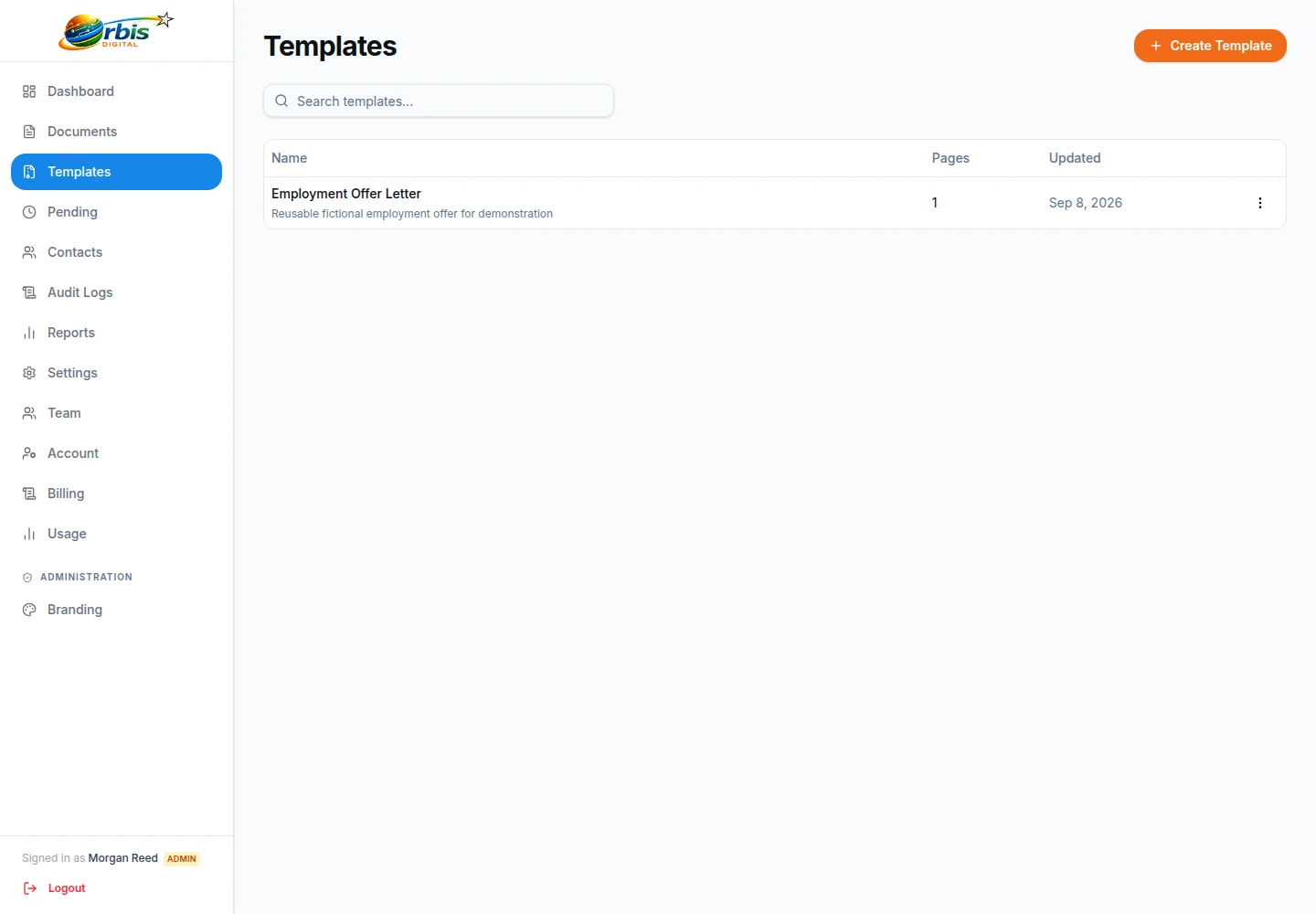
Treat a template as a controlled starting point
Create a template only after the document owner has approved the underlying PDF and the recipient roles are understood. Give it a recognisable name, place fields for each role, and test one low-risk send before colleagues reuse it. This is particularly useful for stable forms with the same page layout, not documents that are still negotiated for every recipient.
Before each send, confirm the current parties, contact details, required fields, signing order, and whether the saved terms are still authorised. If wording or pagination changes, replace or rebuild the template and review field coordinates in the PDF editor. Saved placement cannot detect that a signature box now sits over a different clause.
Workspace sharing also needs ownership: nominate who may approve template changes and retire superseded versions. For agreements, use the contract execution checklist to keep version and signer authority separate from template convenience.