
Tools for a structured signing workflow.
Prepare supported PDFs, assign recipient fields, send invitations, and review document status from one workspace.
Document Preparation
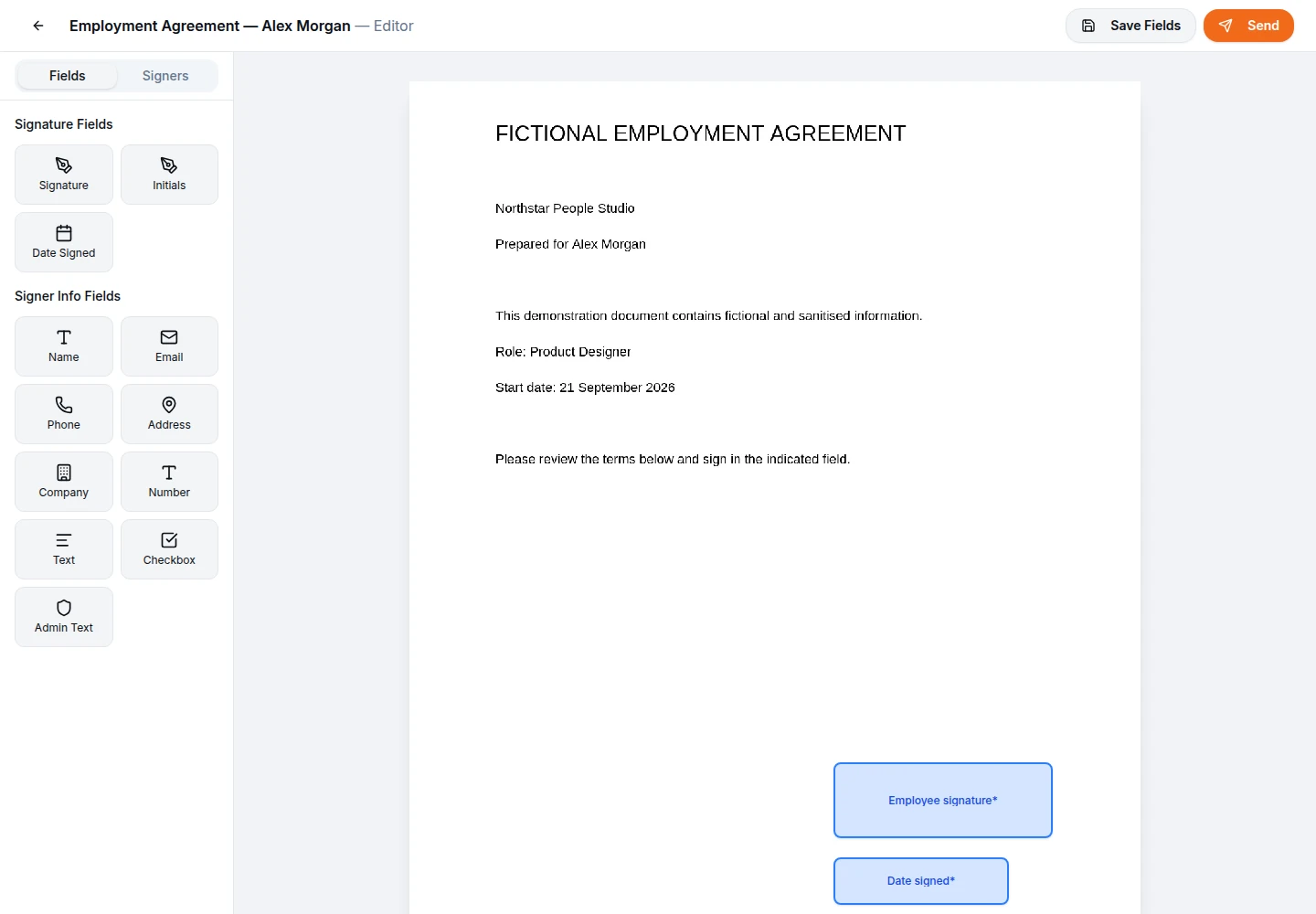
Upload a supported PDF and visually place signature blocks, text fields, and dates on its pages. Assign required fields to specific recipients so they only see what they need to complete.
- • Visual drag-and-drop editor
- • Multiple recipient assignments
- • Required and optional fields
Status & Tracking
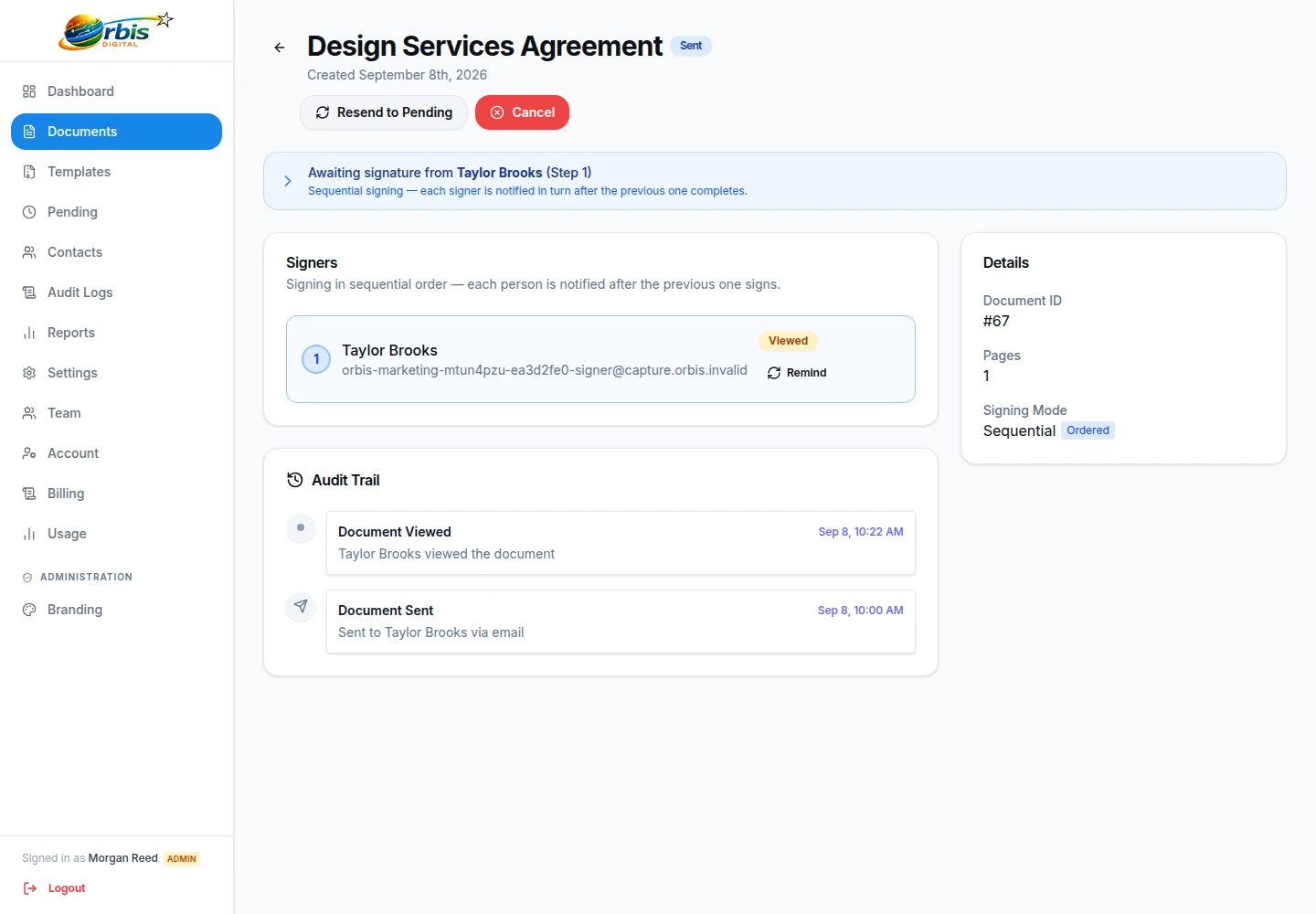
Review whether workspace documents are draft, pending, or completed. Inspect recorded activity, see which recipients have viewed the document, and send manual reminders to pending recipients.
- • Central document dashboard
- • Per-recipient status indicators
- • Manual email reminders
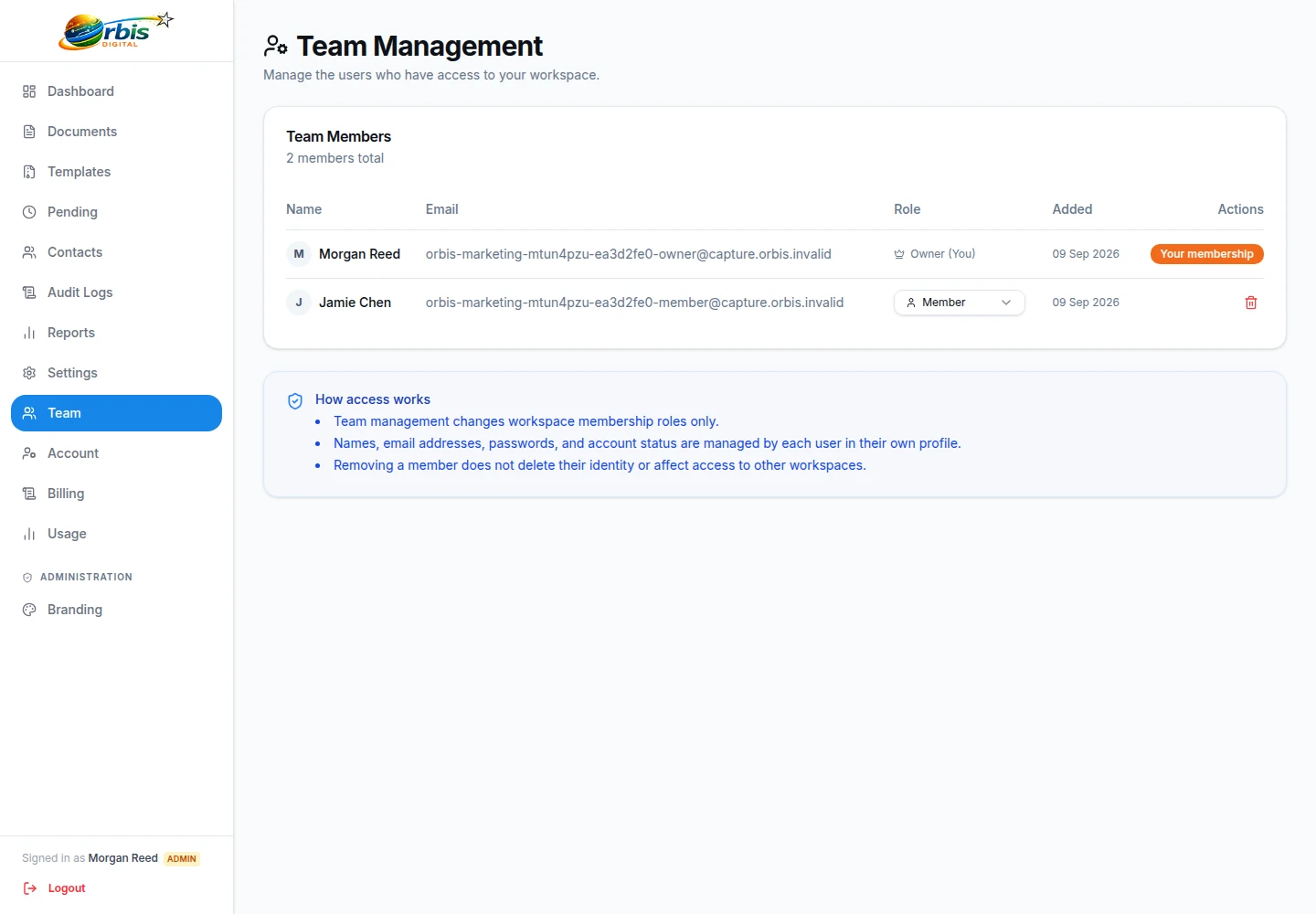
Team Administration
Invite team members to one workspace and manage role-based access. Share document templates across the business and configure company branding for supported communications.
- • Centralised member directory
- • Shared workspace templates
- • Custom business branding