

Feature
Custom Business Branding
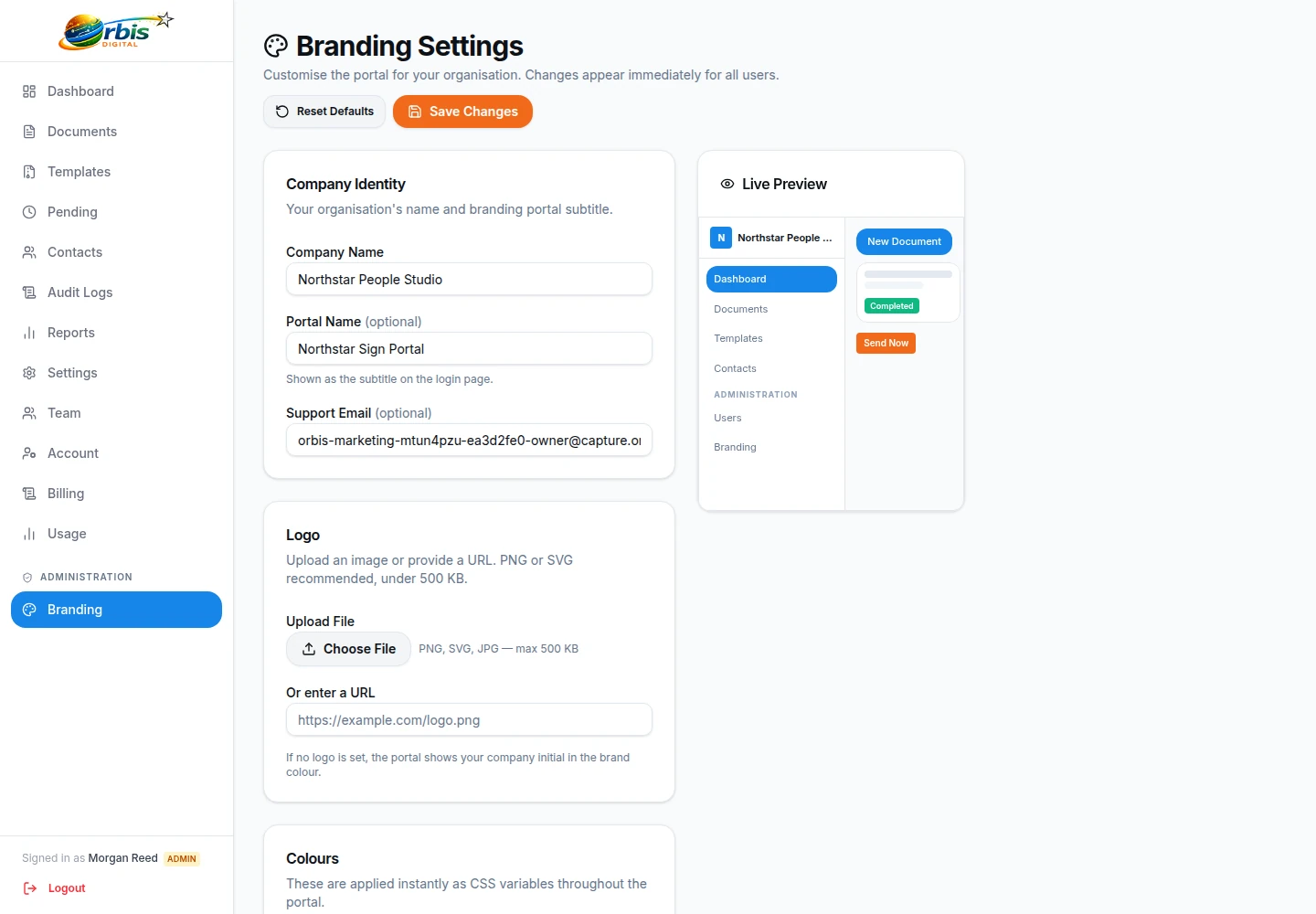
Add your company logo and colours to supported signing screens and workflow emails.
A seamless brand experience
When you ask a client to sign a crucial agreement, trust is paramount. Maintaining your brand identity throughout the signing process reassures them they are in the right place.
- Custom Logos: Display your logo prominently on the signing page.
- Brand Colours: Match buttons and accents to your primary brand colour.
- Email Styling: Apply configured company branding to supported signing invitations.
Make recognition clear without implying verification
Use the legal or trading name recipients already know, upload an approved logo, and choose a primary colour with enough contrast for text and controls. Preview the configuration at common screen sizes and send an internal test invitation before using it with clients. Keep an unambiguous contact route in the surrounding message so a recipient can question an unexpected request.
Branding can help a recipient recognise the organisation that initiated a workflow, but a logo is not proof that a message or link is genuine. Teams should still verify recipient addresses, protect workspace access, and tell recipients how legitimate signing requests will arrive. Avoid copying another organisation's identity or making accreditation claims through images.
Limit configuration access and review branding after a rename, merger, or website change. See team management for workspace roles and mobile signing for the browser journey where those settings appear.