

Solutions
Onboarding, simplified.
Prepare offer letters, contracts, and policy acknowledgements for browser-based signing before a new starter's first day.
A better day one
Prepare suitable new-starter documents for signature before the first day and reduce printing, scanning, and filing.
- Offer Letters & Contracts: Collect documented signatures without printing or scanning.
- Policy Acknowledgements: Distribute handbooks and require a signature confirming receipt.
- Performance Reviews: Document formal appraisals with sign-off from both manager and employee.
Separate signing from employment checks
Build the signing request from an approved offer or contract and confirm the employer entity, candidate name, role, pay, dates, and authorised company signatory. If the offer is conditional, state and manage those conditions in the proper HR process. An electronic signature does not perform right-to-work, identity, qualification, reference, or background checks.
Use recipient fields only for information that belongs in the document. Avoid collecting unnecessary health, equality, bank, or identity material in a general signing workflow. Test the invitation on a phone, provide a contact for questions, and do not treat an opening event as proof that the candidate understood the terms.
After completion, review the PDF, update the HR system deliberately, and apply an approved access and retention policy. For candidate-focused agency paperwork, see recruitment workflows. The audit-trail guide explains the limits of recorded events.
Control workspace access
Application roles help restrict workspace actions. Customers must assign memberships and roles carefully and apply their own HR access and retention policies.
View team permissionsPaperwork ready before day one
Sending offer letters, contracts and policy acknowledgements in advance frees up a new starter's first day. Recipients can sign in a browser without printing or scanning.
Signing is separate from your other employment checks, such as right to work. If you want to manage the wider employee journey, take a look at Orbis HR.

HR onboarding e-signature for smaller employers
Between an accepted offer and a first day there is usually a stack of documents: the offer letter, the written statement of employment particulars, policy acknowledgements and perhaps a confidentiality agreement. Posting them out and waiting for them to come back can take weeks, and something is almost always missing on the morning the new starter arrives.
Orbis Sign lets you send those documents for signature online. The candidate opens a link on their phone or computer, reads the document, and signs in the browser without creating an account. You can see who has signed and who has not, and the signed PDF and audit certificate go to the candidate and to you by email. It suits small and medium employers, and HR teams who want a simple tool rather than a full HR platform.

Sign offer letters online and keep momentum
Candidates often have more than one offer. A written offer that arrives the same afternoon as the phone call, and can be accepted in a couple of minutes on a phone, helps keep the decision moving.
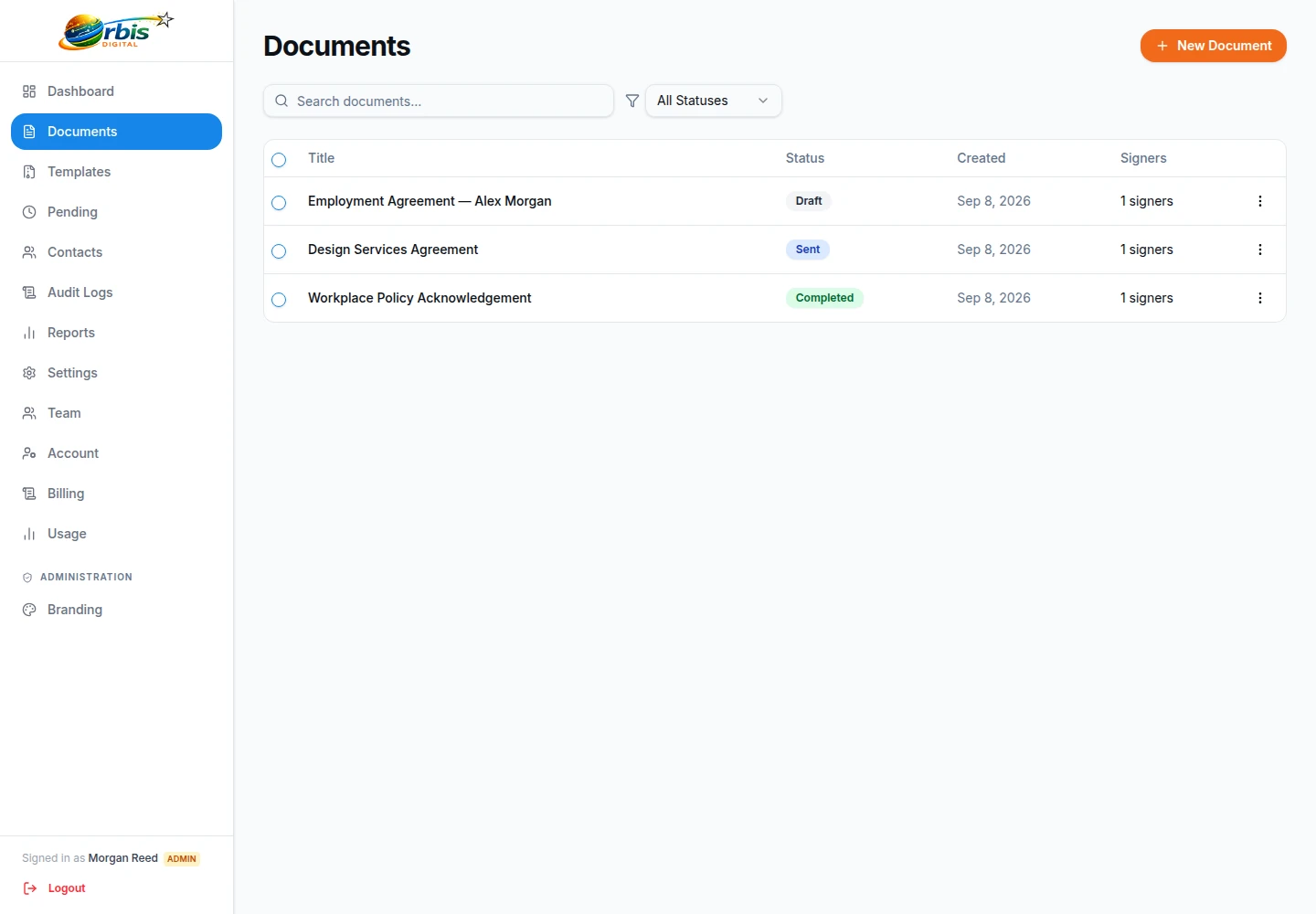
Upload the approved offer letter as a PDF and add a signature field and a date-signed field for the candidate, which fills in automatically when they sign. You might also add a checkbox confirming they accept any stated conditions, and a sender-filled text field showing their start date that they can see but not change. If a member of your leadership team signs offers too, add them as a second signer. Using sequential order, the candidate signs first and the manager countersigns after.
Set the deadline to match how long the offer is open. If the candidate does not respond, resend the invitation to remind them, and if the deadline passes the link expires automatically.

Employment contract e-signature in the UK
Employment contracts and written statements of particulars are, in general, documents that can be signed electronically. The Electronic Communications Act 2000 provides that electronic signatures are admissible in evidence, and the Law Commission’s 2019 report concluded that an electronic signature is generally capable of meeting a statutory requirement for a signature.
There are exceptions to keep in mind. A document executed as a deed, such as some settlement or restrictive covenant arrangements, may need a witness, and some documents have their own formal requirements. Orbis Sign provides simple electronic signatures, not advanced or qualified electronic signatures. If you are unsure about a specific contract, ask your employment adviser. This is general information, not legal advice. Our guide to electronic signatures in the UK explains the background.

Building an onboarding pack from templates
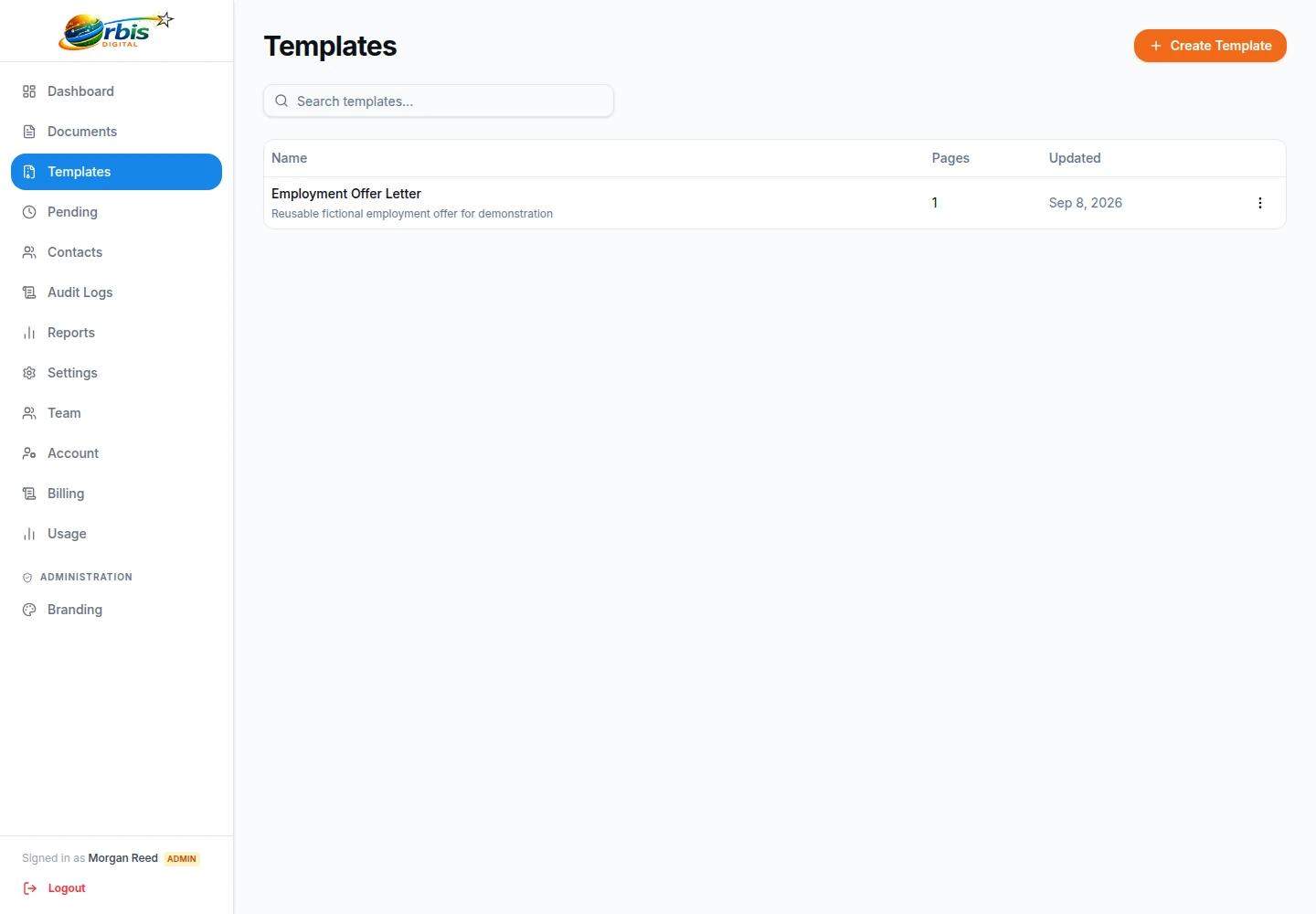
Most of an onboarding pack is the same for everyone in a role. Saving each document as a reusable template means the fields are placed once and checked once. When you hire, you use the template to create a draft, add the new starter as Signer 1 and any countersigning manager as Signer 2, and send.
Keeping control of the wording
Template permissions decide who can create, edit, use or delete templates. By default, standard users can use templates but not create them, so line managers can send the approved contract without being able to change it.
Reviewing templates when policy changes
When a policy, pay band or benefit changes, update the PDF and the template at the same time, and check the required fields before the next send.
Policy acknowledgements and handbook sign-off
Many employers ask staff to confirm they have received key policies, such as health and safety, data protection or acceptable use. A short acknowledgement page with a checkbox and a signature is quick to set up and gives you a signed, dated record for each employee.
Bear in mind that each document is sent to named signers, and every signer needs at least one field. When a policy changes for the whole company, you send a copy to each person rather than broadcasting one link. The audit certificate records when each person signed and when they viewed the document, which supports your records, but it does not show that someone read or understood every page. Long handbooks are fine as there is no page limit, as long as the PDF is under 10 MB.

Contract variations, promotions and leavers
Onboarding is only the start. Pay rises, changes of hours, promotions, flexible working agreements and settlement-related letters all need signatures during employment, and the same process applies.
For example, an operations manager agreeing a move to a four-day week might send the variation letter to the employee first and then to the managing director for countersignature. If the employee wants to discuss a clause, they can decline with a reason, which cancels the document; the manager then sends an updated version. Recipients cannot be changed after sending, so if you picked the wrong person, cancel and send a corrected copy. This is a hypothetical illustration.

Who in the business can see HR documents
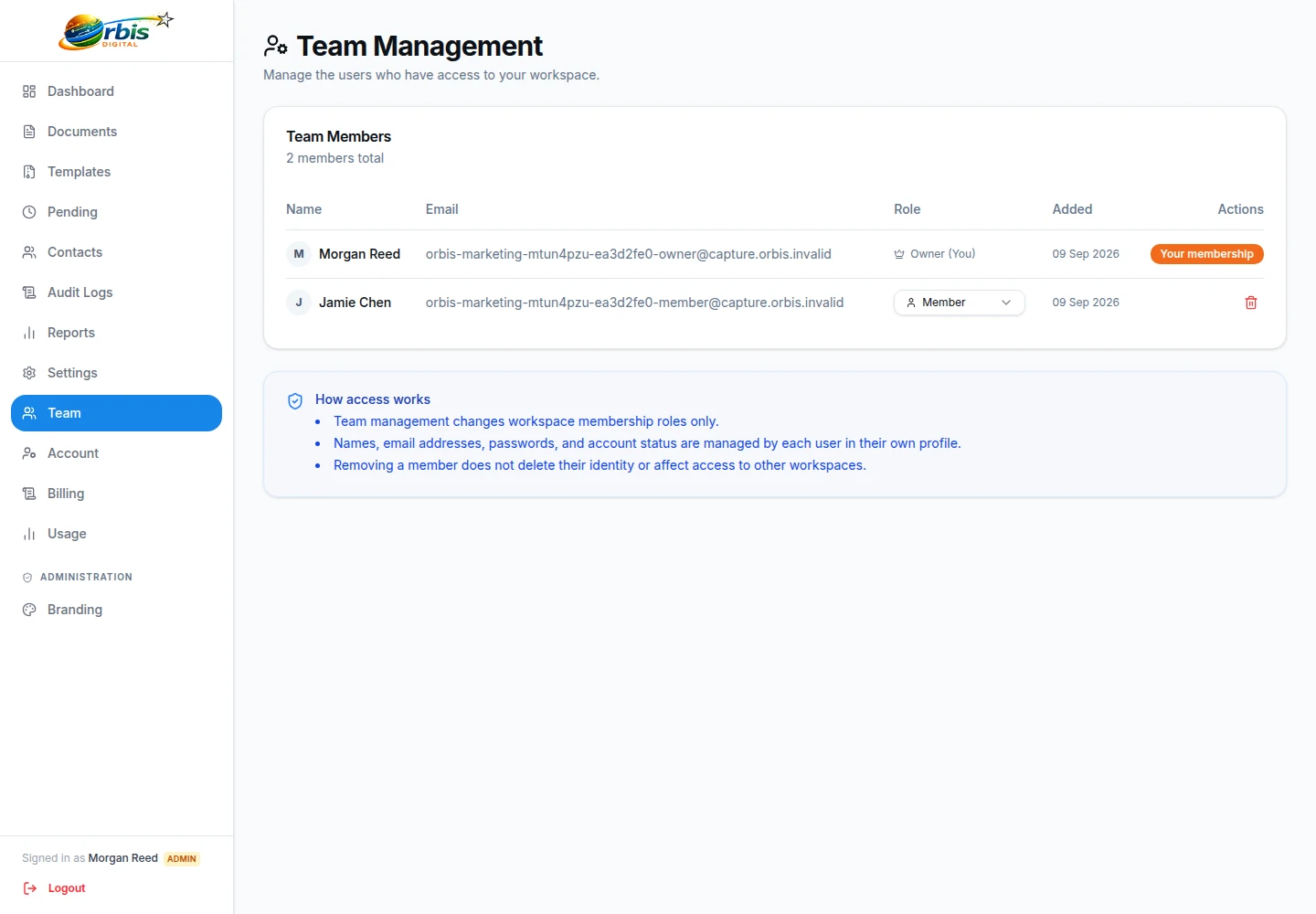
Contracts and offer letters contain salaries and personal details, so access matters. Orbis Sign has Owner, Admin and User roles, and you can create custom roles from detailed permissions to limit who can view, send or delete documents. Team members are invited by email, and invitations can be revoked.
Workspace owners can require two-factor authentication for chosen roles, using an authenticator app with backup codes, and a team security log records access changes. If HR documents need to be kept apart from sales or operations documents, people can belong to more than one workspace and switch between them. See team management and security for details.
Protecting candidates’ personal information
A signing request is not the right place to collect everything about a new starter. Only ask for information the document itself needs. Bank details, health information, equality monitoring data and copies of identity documents belong in your HR or payroll system, gathered under your privacy notice.
If you want an extra check that the person opening a link is the person you sent it to, switch on the one-time passcode for that document. The signer is sent a code by email that lasts ten minutes, and the audit certificate notes the verified email. Orbis Sign runs on servers in France, within the EEA, operated by Orbis Digital Ltd. Documents are not deleted automatically, so apply your own retention policy and delete documents you no longer need.
Right-to-work checks and the wider HR process
Signing an employment contract online is one step in onboarding, not the whole of it. Right-to-work checks, identity checks, references and any DBS checks are separate processes with their own rules, and Orbis Sign does not perform any of them.
If you want one place to manage employee records, absences and the rest of the employee journey, take a look at Orbis HR, a separate product from the same company. Orbis Sign stays focused on getting documents signed and keeping a record of how that happened. Agencies placing temporary or permanent candidates may find the recruitment page more relevant.

Making sure everything is signed before the start date
The week before a new starter begins is when gaps show. The document list lets you search by title and filter by status, so naming documents consistently, for example with the starter’s name and document type, makes it easy to see what is still pending.
Open a document to see whether the candidate has opened or viewed it. Reminders are manual, so resend to anyone still pending a few days before the deadline. Once everything is completed, download the signed PDFs and certificates and file them in the employee’s record. The reports show your average time to sign, which can help you decide how early to send documents for future hires.

HR onboarding e-signatures: common questions
Can a new starter sign their contract on a phone?
Yes. The signing page works in a mobile browser with no app or account. The new starter reads the document, completes their fields, agrees to sign electronically and types or draws a signature. They receive the signed PDF and audit certificate by email once everyone has signed.
Does Orbis Sign carry out right-to-work checks?
No. Orbis Sign handles signing only. Right-to-work, identity, reference and background checks are separate processes that you must carry out in line with current guidance. Orbis HR, a separate product from Orbis Digital, covers the wider employee journey.
Can a manager countersign after the employee?
Yes. Add the employee as the first signer and the manager as the second, and keep the default sequential order. The manager only receives their link once the employee has signed, and the completed PDF contains both signatures.
Can I send the same policy to every employee at once?
Each document is sent to named signers, and there is no bulk send. For a company-wide policy, create a template and use it to send a copy to each employee. Every person then has their own signed copy and audit certificate.
Do we pay extra for each HR team member?
No. Orbis Sign is £8.99 a month for up to 500 documents sent for signature, with no per-user charge. You can invite HR colleagues and line managers and give each a suitable role. There is a seven-day free trial with no card needed.
Who receives a copy of the signed contract?
Every signer receives the signed PDF and the audit certificate by email, and so does your workspace support email if you have set one. Authorised users can also download both from the app at any time.